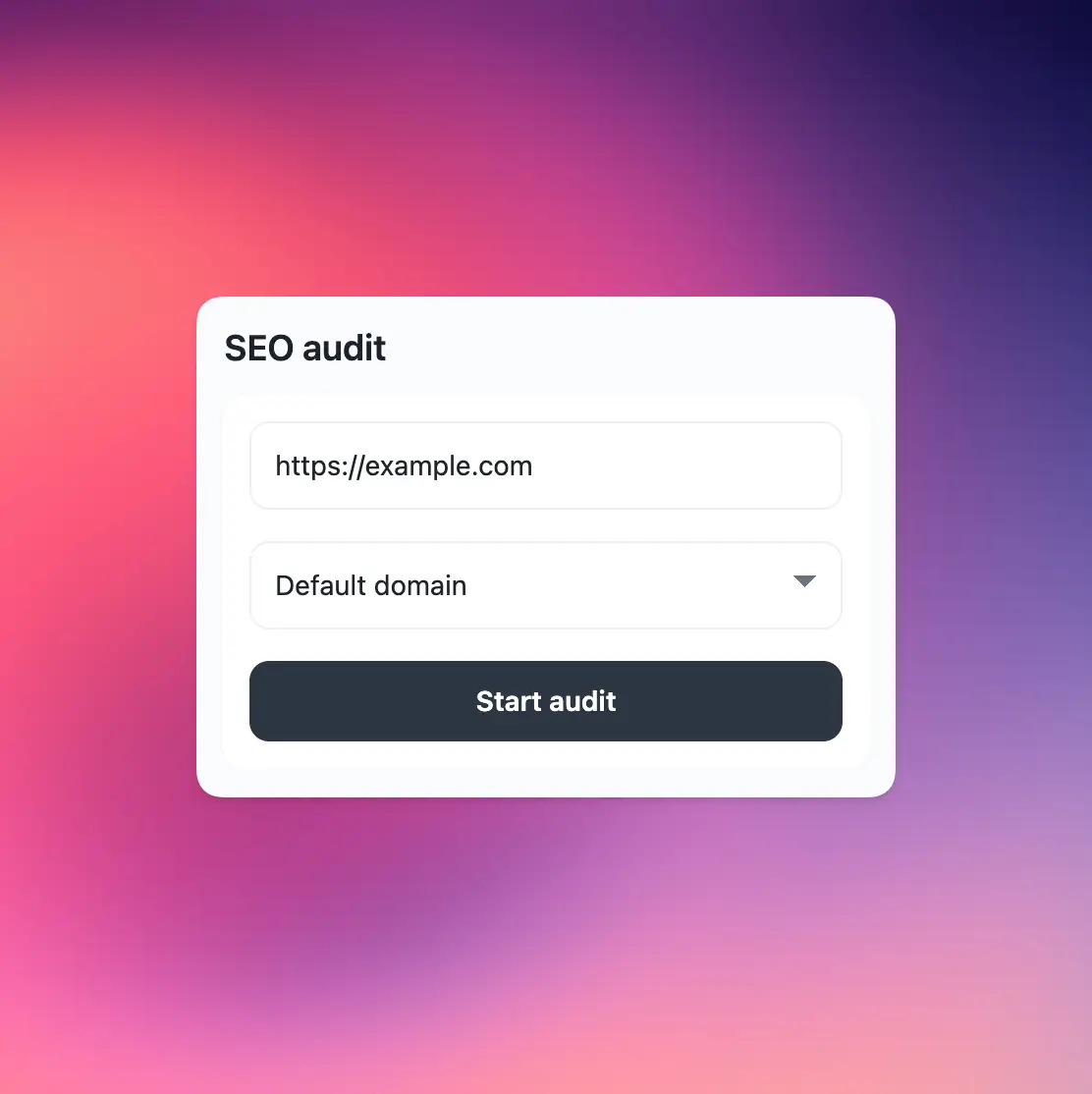
Quick SEO audit
Audit any page directly from the extension popup and get SEO insights in seconds.
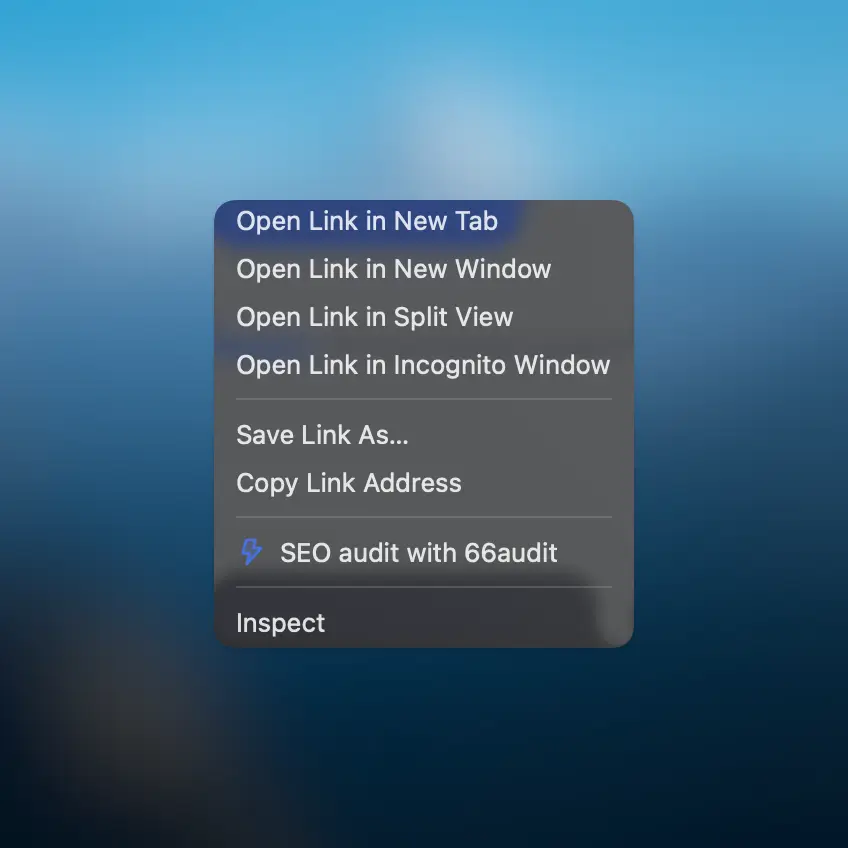
Right-click audits
Start SEO audits straight from the context menu without opening the dashboard.
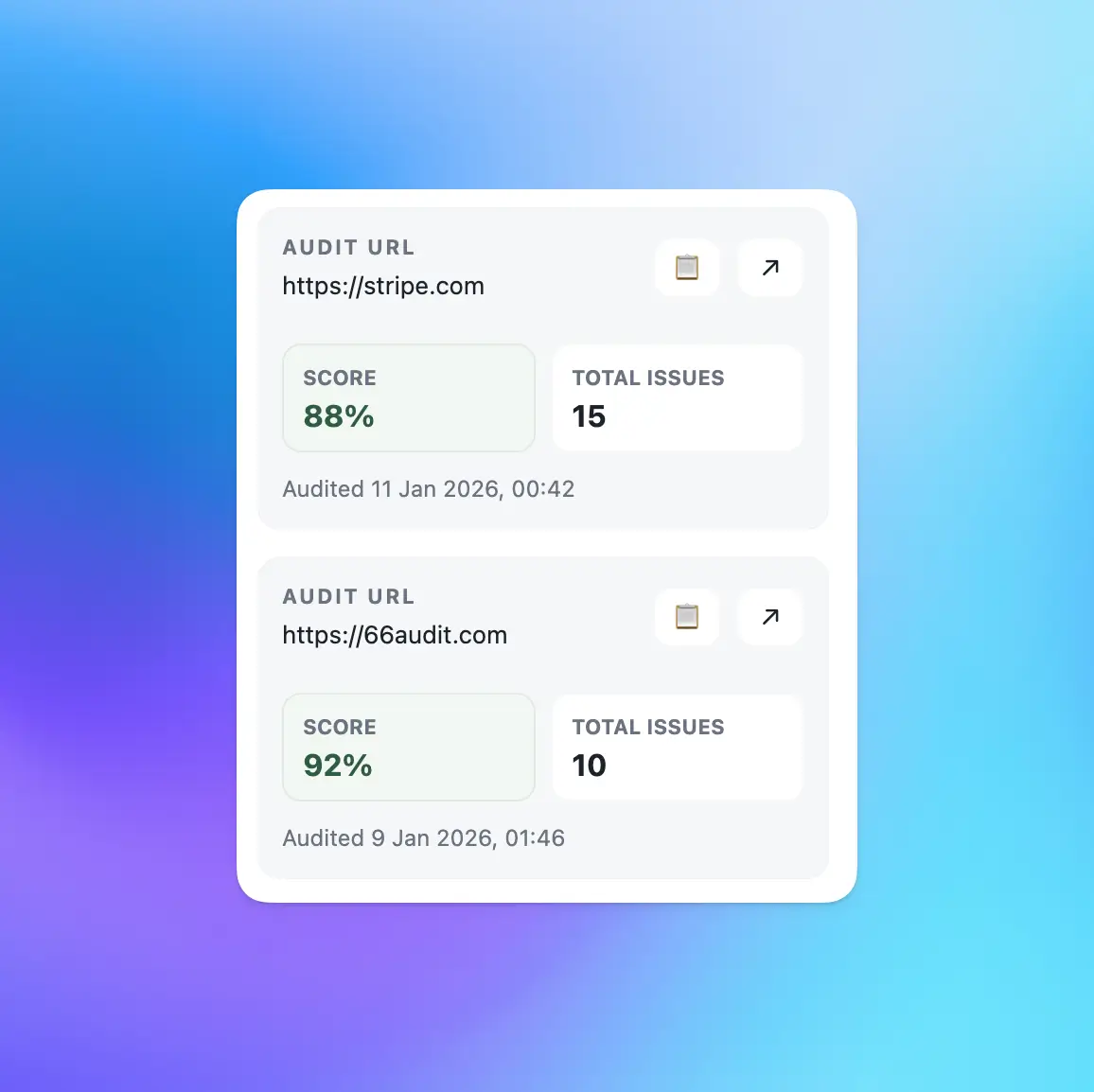
Recent audits
See your most recent SEO audits and reopen them whenever needed.
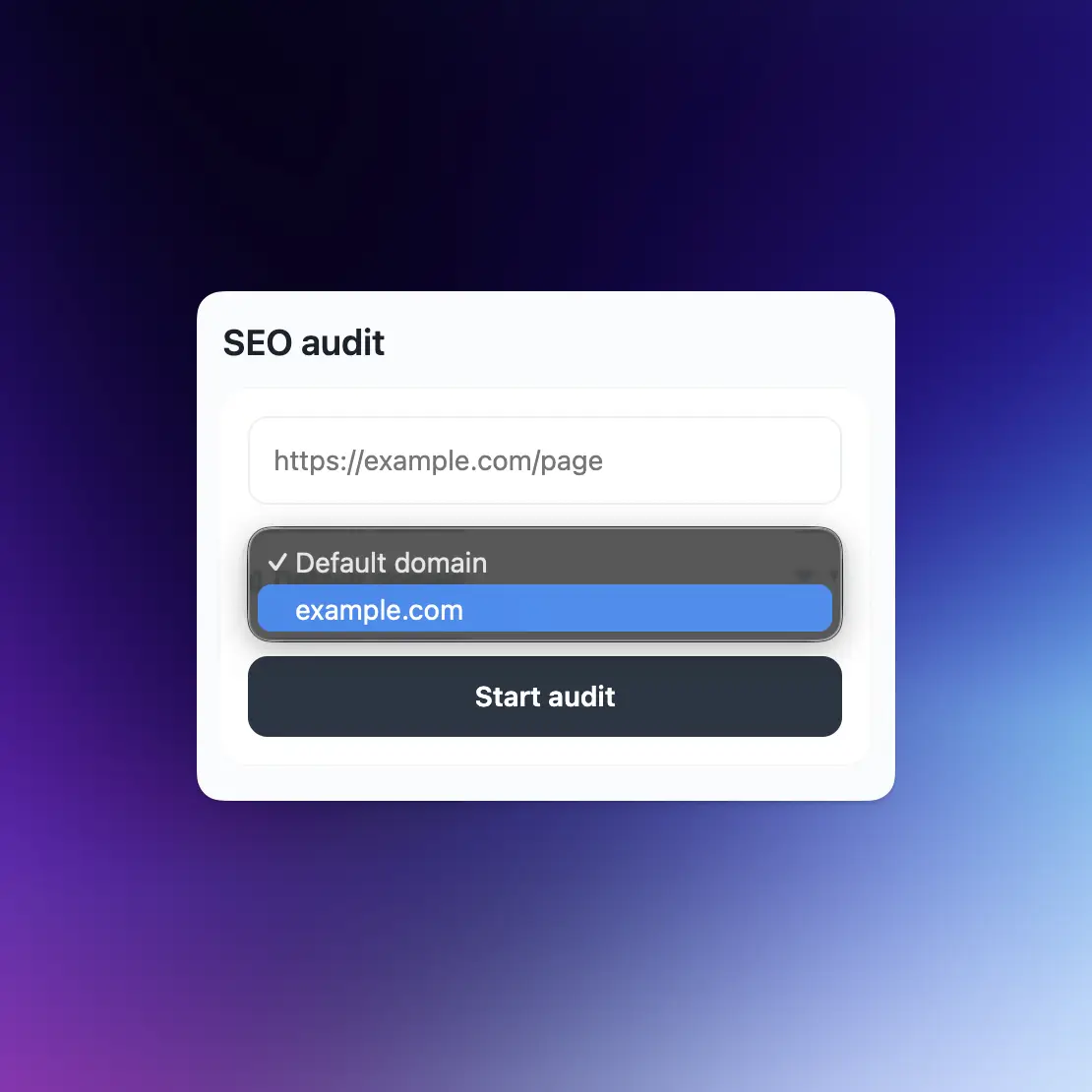
Custom domains
Choose from your available custom domains, right inside the extension.
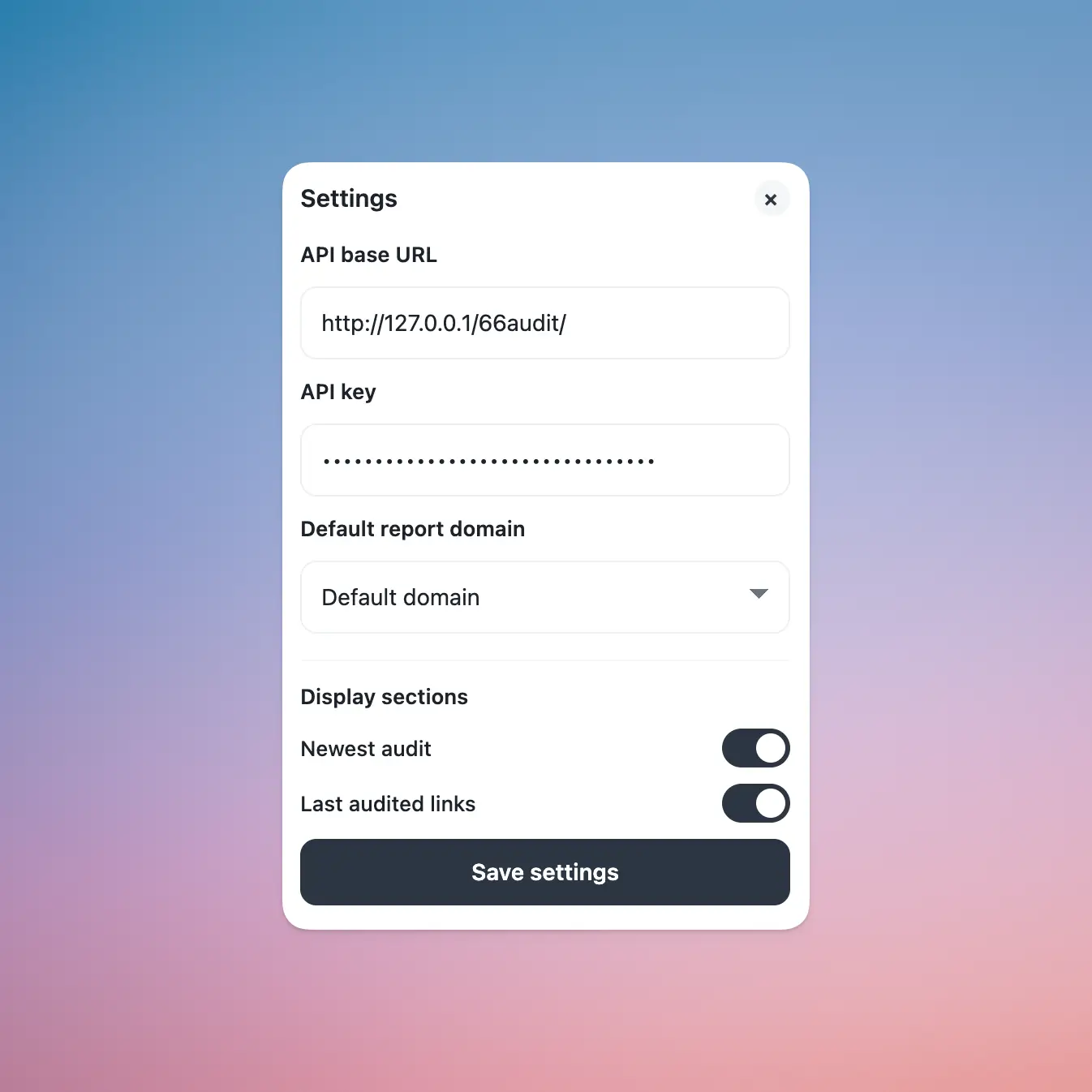
Personalize
Adjust the extension settings to match your SEO workflow.
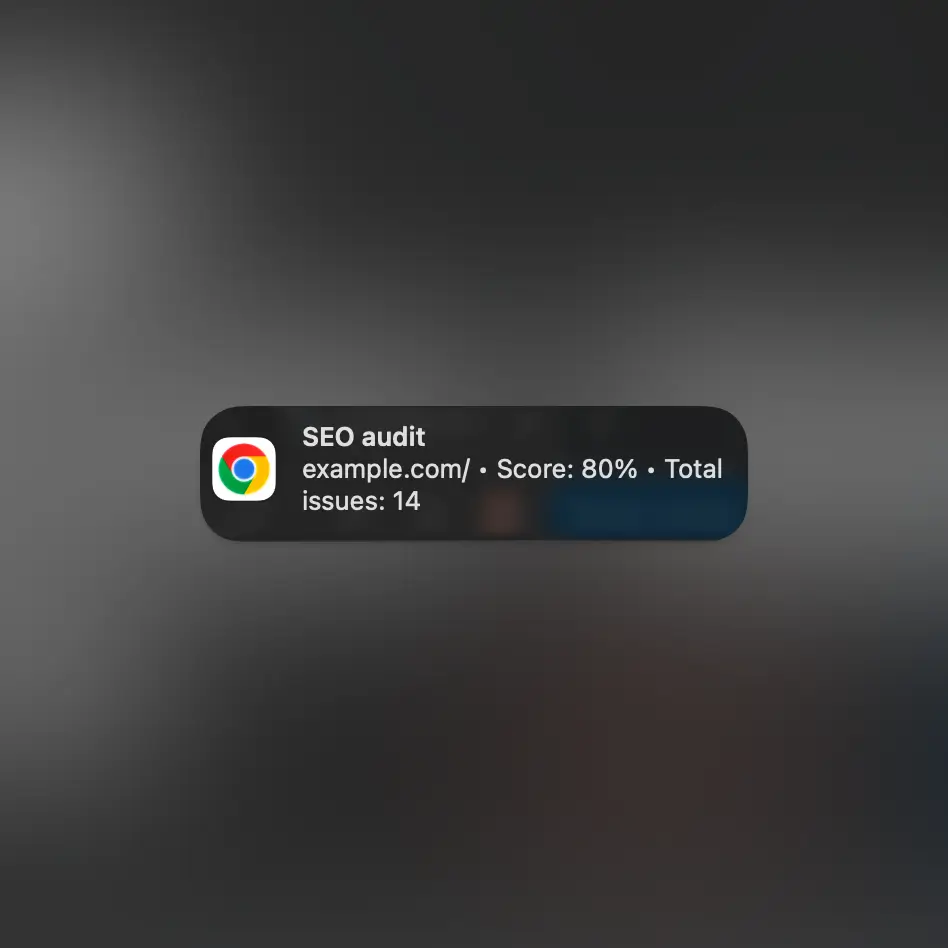
Keyboard shortcut
Audit the current page instantly by pressing CTRL/CMD + SHIFT + U
Frequently asked questions
Install it from the Chrome Web Store, then pin it to your browser toolbar for quick access.
Yes, you need an account to connect the extension and run SEO audits from your browser.
You can audit the current page, selected links, and pasted URLs directly from the extension popup or right-click menu.
Yes, the extension shows your latest audits so you can quickly reopen and review them.
Permissions are required so the extension can read the current page URL, use the context menu, and start audits when you request it.
Yes, the extension is included with your account at no extra cost.
The extension is built for Google Chrome and other Chromium-based browsers that support Chrome extensions.
Yes, audits created with the extension are connected to your account and available in your dashboard.